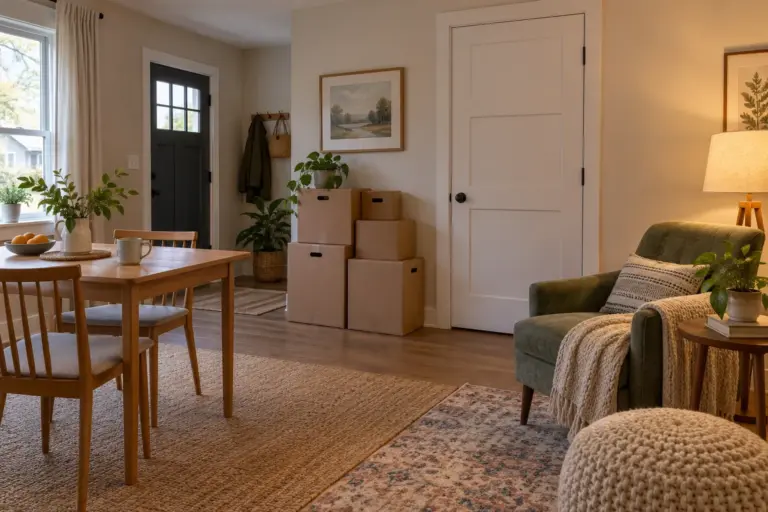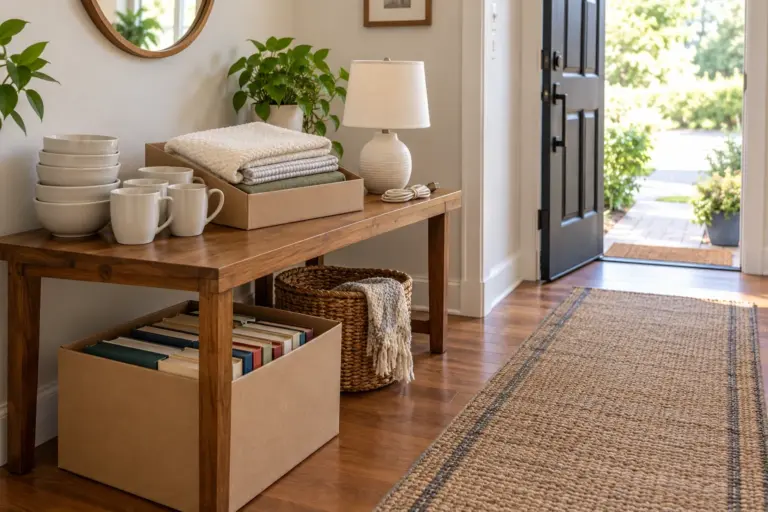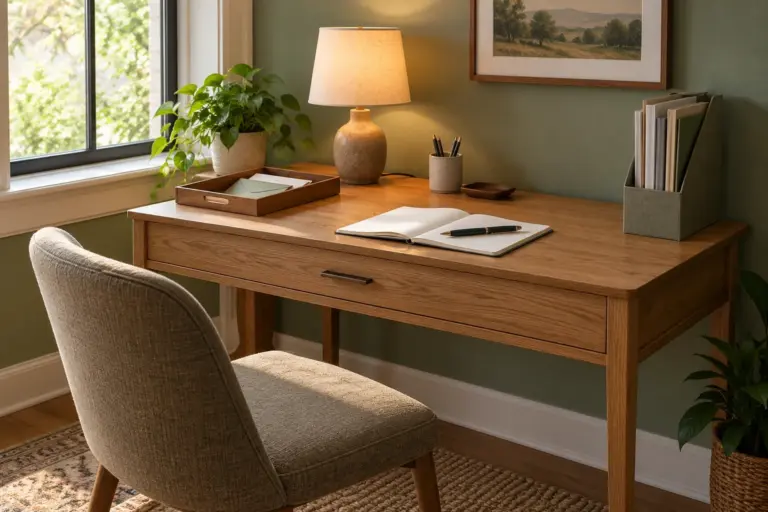

Integrate smart devices by giving each one a useful job, a suitable physical location and an understandable way to control it. Then consider how the room feels and functions when the device is quiet, active or unavailable. A home full of hidden gadgets is not automatically calmer than one with a few visible, dependable controls.
Feng shui can offer a way to think about attention, boundaries and the purpose of a room. It cannot establish a device's security, compatibility or reliability. Start with a household need, check the actual equipment, and add only the automation that helps.
Begin with One Ordinary Routine
Choose a small task you want to improve. For example, an evening reading routine might involve a lamp becoming available at a comfortable setting while the ordinary switch remains easy to find. That is a clearer brief than deciding the entire home should become smart.
Write down who uses the routine, how they start it and what happens when they want something different. Include visitors and people who do not use the main household app. If the arrangement works only for the person who installed it, it is not yet a shared-home solution.
Also ask whether a conventional timer, better switch position or simpler piece of equipment would solve the problem. A connected device adds accounts, updates and dependencies as well as functions. Choose it for those functions rather than treating connectivity as an improvement by itself.
Keep the first trial limited to something nonessential, such as an ordinary reading light. Safety equipment, access systems and necessary medical or care equipment need their own appropriate requirements and instructions; they should not become experiments in creating a prettier room.
Place Each Device for Its Actual Function
A sensor needs the location and field of view its instructions specify. A thermostat needs a suitable measuring location. A speaker needs a stable surface and appropriate placement for sound and controls. Do not put these objects behind plants, inside a closed box or in a symbolic corner without checking whether they can still do their jobs.
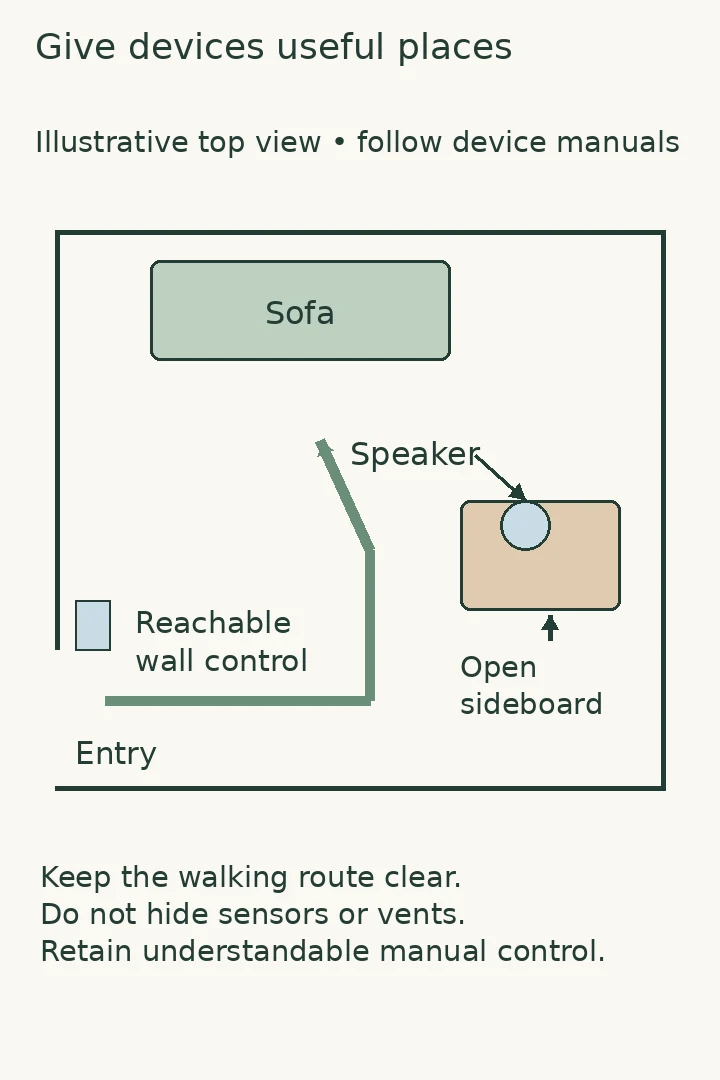
The main scene keeps a small speaker on an open surface and a wall control visible near the approach. It demonstrates coexistence with ordinary furniture. The exact placement of your equipment still depends on its model, purpose and room.
The placement diagram distinguishes a reachable physical control, an unobstructed device location and a clear walking route. The aim is to give technology a home without allowing it to occupy the space people need to move or set things down.
For a hub or network device, check power, ventilation and connection requirements before choosing storage. A decorative cupboard may provide the wrong environment or make resetting and inspection inconvenient. Reduce visible clutter through an appropriate location and cable route, rather than by sealing equipment away.
Keep Manual Control Understandable
Find out what happens when someone uses the ordinary switch. Depending on the product, cutting power may change whether an app or automation can control it. The behavior is model-specific, so test it and consult the instructions instead of assuming every smart light works alike.
Give the household a simple, agreed way to operate the room. If there are several control methods, decide which one a guest should use. A control that looks like a normal switch but behaves unexpectedly can create more friction than an obvious remote.
Do not remove a useful manual control solely to make a wall look minimal. Likewise, avoid locating a remote where it is attractive in a photograph but unreachable from the chair it serves. The person using the room should not need a tutorial for an ordinary action.
For a lighting scene, include an easy way to return to a normal setting. A reading lamp should still meet the task when someone wants more light. A dim evening preference is not a rule that other users must accept at every hour.
Use Feng Shui Boundaries Without Making Equipment Disappear
Anjie Cho recommends a visual boundary when a workspace shares another room. You can apply that principle to technology by deciding where an activity belongs and how it stops claiming attention when it is finished.
For example, keep entertainment controls near the sitting area rather than distributing unrelated remotes across the dining table. Put a work tablet in its appropriate resting place when the room changes use. A chosen boundary may be a surface, a drawer approved for unpowered storage or a routine that closes an activity.
Do not cover powered equipment with fabric or obstruct its openings to hide a light. Check whether an indicator can be adjusted in the product's settings, or choose a better permissible location. If an indicator has a safety or diagnostic role, understand that before disabling or concealing it.
Treat sounds and announcements as part of the room's activity. Decide which notifications are useful and which create avoidable interruption. Make those choices with the people who hear them, not only with the account owner who configured them.
Make Privacy a Household Decision
Identify what a device can sense, record or transmit, using the manufacturer's information. A camera, microphone and motion sensor do not have interchangeable privacy implications. Choose the least intrusive function that meets the actual need.
Discuss placement and permissions with the people affected. Avoid turning a private sleeping, changing or conversation area into a monitored space simply because that position gives the device a clear view. Physical visibility of a camera is not the same as informed agreement about how its recordings are used.
Check account access, recording options, retention and sharing settings where available. Remove access that is no longer wanted, and make sure another appropriate household member knows how necessary shared controls work. Do not rely on an unused old phone being the only way to manage the home.
The NCSC advises checking default settings, changing a supplied default password, enabling two-step verification where offered and turning off unneeded remote access. Those are security actions; moving a device to a different feng shui area does not perform them.
Plan for Updates, Support and Ordinary Failures
Before committing to a device, check the requirements for its app, account, network and ongoing support. NCSC guidance highlights the manufacturer's support period and the importance of installing updates. An inexpensive device with no suitable remaining support may be a poor fit even if its appearance suits the room.
Keep a small record of the model, support information and where to find its instructions. Use appropriate secure account management rather than writing passwords on a public household notice board. Make update responsibility clear so the equipment is not forgotten after installation.
For your nonessential trial routine, check what the instructions say about a network interruption or power restoration. Test the permitted behavior in a controlled, appropriate way. Can the reading lamp still be used? Does the scene return unexpectedly? Do not assume that an app button continues to work without its usual connection.
If behavior is unreliable, simplify the routine or use an ordinary alternative while you investigate. Do not add several more automations to compensate for a problem you have not identified. More complexity can make it harder for the household to understand what controls what.
Give Power and Connections Their Own Space
Locate power supplies and cables where the equipment instructions allow them and where they can be checked. Keep connections away from walking routes, furniture movement and locations where cords can be damaged.
The U.S. Fire Administration advises against overloaded power strips and cords that can be pinched or damaged, including under rugs. A cable disappearing under a carpet is not a successful integration strategy. Use an appropriate electrical arrangement rather than hiding a doubtful one.
When a device is no longer wanted, remove it from the routine as well as from the shelf. NCSC recommends following the manufacturer's factory-reset instructions before selling or giving away a device. Also review any associated account access so an old installation does not remain part of the home by accident.
Test the Room with Another User
Ask someone who did not configure the system to enter the room, operate the intended light or device, change their mind and return it to the normal state. Notice where they hesitate. A hidden switch, ambiguous voice instruction or unavailable app is a concrete problem to solve.
Keep the arrangement that serves the household while preserving clear routes, useful surfaces, privacy and understandable control. Smart devices can sit comfortably within a feng shui-informed home when they have a deliberate role. Their value comes from the task they perform and the way people can live with them, rather than from being invisible or symbolically placed.