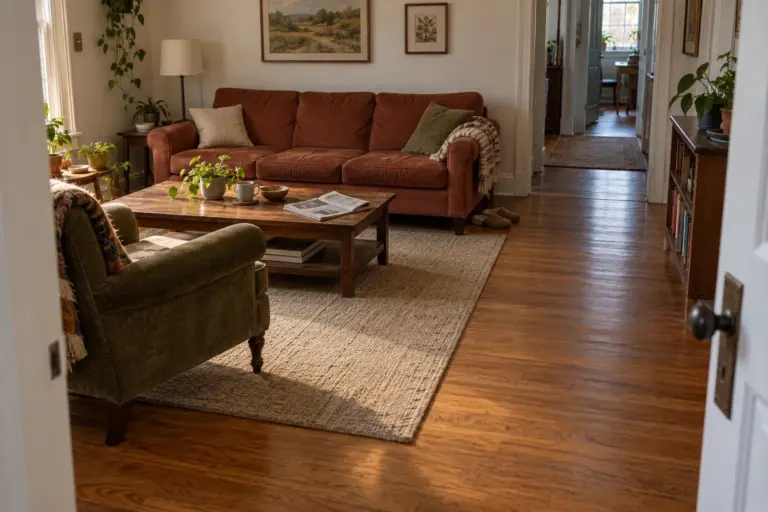

Manage bedroom electronics by deciding which functions genuinely need to stay, where their equipment can work safely and how optional activity ends at night. A phone used for an essential purpose and an unused television do not need the same answer. Start with the actual household routine rather than a blanket instruction to remove every device.
A feng shui-informed approach can give work and entertainment clear boundaries while keeping the sleeping area usable. The aim is less unwanted light, noise and unfinished activity in the room, not a claim that hiding electronics changes their physical effects or guarantees better sleep.
Inventory Functions Before Moving Equipment
List each device, its purpose and what it needs to do overnight. Include lamps, clocks, chargers, work equipment, entertainment devices and anything used for communication, accessibility or care. Note who depends on it and where its controls must remain reachable.
Separate optional functions from necessary ones. A spare screen that is never used can leave the room with little consequence. Equipment needed for prescribed care should stay in its appropriate arrangement unless the relevant professional and instructions support a change. Do not unplug it as a decluttering or feng shui experiment.
Ask what actually interrupts rest or use of the room. Is it a bright display, an alert, a cable across the approach or the sight of unfinished work? Naming that problem helps you choose a direct adjustment instead of buying another accessory to manage an undefined concern.
Also identify devices that serve several roles. A phone may be an alarm, an emergency contact method and an entertainment source. Its useful functions can remain while optional notifications or evening use are handled separately.
Distinguish Sleep Guidance from Symbolic Interpretation
NHLBI's general sleep-habit guidance recommends quiet time before bed, avoiding bright artificial light such as television or computer screens, and keeping the bedroom quiet, cool and dark. Those are practical considerations for a routine, not a claim that every necessary device must leave the room.
Feng shui discussions may describe a bedroom as a place for more restful activity. You can use that as a prompt to decide what the room is for and what should recede at night. Do not turn it into a diagnosis that a particular object causes illness or relationship problems.
Likewise, a closed cupboard or a cloth does not establish protection from electromagnetic exposure. Choose any visual boundary for what it visibly does: it puts work out of view or reduces an unwanted display. Do not treat ordinary room arrangement as a medical intervention.
If sleep difficulties persist, a different device location may be only one part of the situation. Seek suitable help when needed rather than repeatedly trying symbolic fixes for a problem the layout cannot establish.
Give Charging a Suitable Physical Location
Choose a stable, appropriate surface and follow the device and charger instructions. Keep the equipment away from bedding or other materials that interfere with its intended use. Do not make a pillow, mattress edge or pile of clothes the normal charging location.
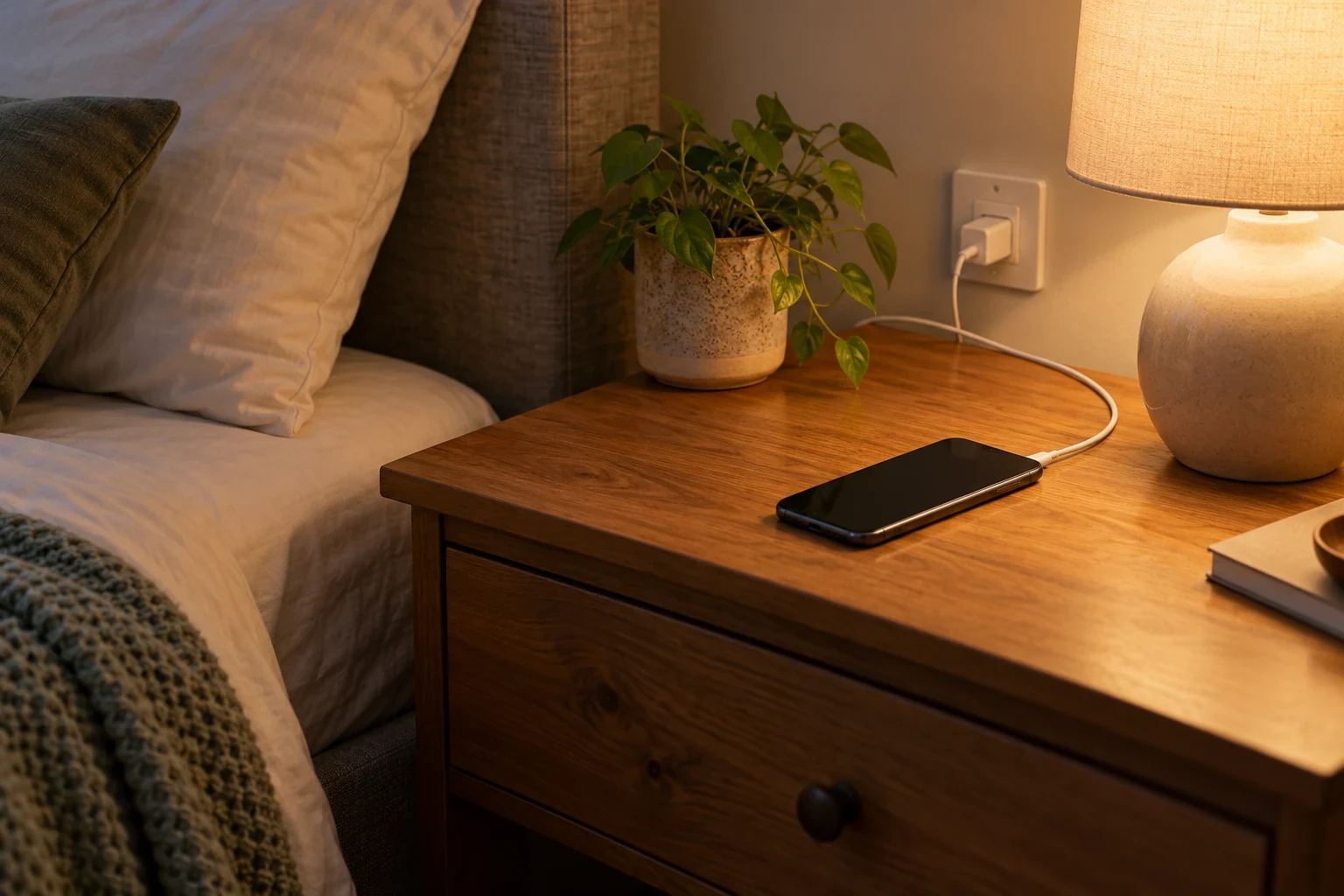
Route the cord so the person using the room can get up without stepping over it or pulling the device from its surface. Check with bedside drawers open and any adjustable furniture moving as instructed. A cable that is safe behind a fixed table may be pinched by another arrangement.
The U.S. Fire Administration advises against overloaded power strips and cords that can be damaged or pinched, including beneath rugs. Manage the actual power arrangement rather than concealing it to make the floor look cleaner.
The charging scene shows a hard side surface with room around the equipment and a cord directed behind it. Use that relationship as a starting point, then check the requirements of your actual device and charger. Hidden adapters or a crowded drawer are not automatically suitable alternatives.
Control the Specific Light and Sound That Bother You
Check the room after dark from the pillow position. Identify which displays, indicator lights or reflections are noticeable. Use the product's settings where appropriate, or move optional equipment to a better location within its permitted use.
Do not tape over or disable an unfamiliar warning indicator without understanding its role. A light on essential equipment may need a different solution from a decorative glow on an entertainment device. Consult the relevant instructions rather than treating every illuminated point as equivalent.
Review notifications with the device's actual functions in mind. Keep necessary contacts, alarms or care functions available while reducing unneeded alerts if the settings permit it. Test important changes so you do not discover an unintended consequence during the night.
If two people share the room, discuss different needs. One may use an alarm or need a device within reach, while another is bothered by its light. Try a different angle, an appropriate setting or a suitable location before insisting either person give up an essential function.
Put a Shared Workspace Into a Resting State
Anjie Cho recommends a visual boundary when a workspace occupies part of another room. In a bedroom, that can mean giving work a defined surface and an appropriate resting location when the session ends.
Close work files and put papers away rather than allowing the bed to become the desktop's overflow. If the computer remains, follow its operating instructions and leave ventilation and access clear. Do not drape fabric over powered equipment as a shortcut to hiding it.
The main scene keeps a separate desk with its laptop closed while the bed and walking route remain available. The relationship is more important than making the two areas look completely unrelated. A small room can acknowledge work without leaving every task visibly active all night.
If the bed is the only place to put equipment when you need the desk for something else, reconsider storage or the number of devices. The transition should not require rebuilding a safe sleeping area each evening.
Decide Whether a Television or Secondary Screen Earns Its Place
Ask when the screen is used and by whom. If it belongs to an activity you prefer elsewhere, remove it or try a period without it. If it has a wanted role, position and operate it in a way that respects the room's other users and the equipment's installation requirements.
Do not mount a heavy screen casually to satisfy a particular view from bed. Confirm suitable fixings and installation, and keep necessary connections accessible. A screen supported correctly in a less visually perfect location is preferable to an improvised installation.
If the blank screen feels visually dominant, consider a different sightline or an appropriate storage solution designed for that equipment. The purpose is to reduce its visual claim on the room, not to declare that a reflective black surface is automatically harmful.
Keep the decision reversible where possible. Moving an unused secondary device out for a trial can reveal whether it was useful without committing to a replacement room scheme.
Adapt for Shift Work, Shared Care and Accessibility
A bedroom may need to function at different times for different people. NHLBI specifically discusses reducing sound and light distractions for daytime sleep in shift workers. That can change which window coverings, controls or device settings are useful.
Plan around the person trying to rest at that time rather than assuming every household follows the same evening routine. Keep necessary equipment and communication available in an appropriate way. Aesthetic consistency is less important than the room's real users being able to operate it.
Where a device is used for accessibility, preserve its reach, visibility or sound according to the user's needs. Ask before relocating it. A hidden control can create a practical barrier even if the resulting shelf appears less cluttered.
Trial One Change and Check the Whole Routine
Choose the most specific optional problem: an unwanted alert, a screen visible from bed or an awkward cable route. Make one appropriate change, then check getting into bed, reaching controls and getting up again. Keep a note of whether the named problem improves.
Retain what serves the room and remove what does not. Bedroom electronics are best managed through their actual functions, conditions and boundaries. The result can be a calmer-looking, easier-to-use room without sacrificing equipment people need or attributing outcomes to claims the layout cannot support.