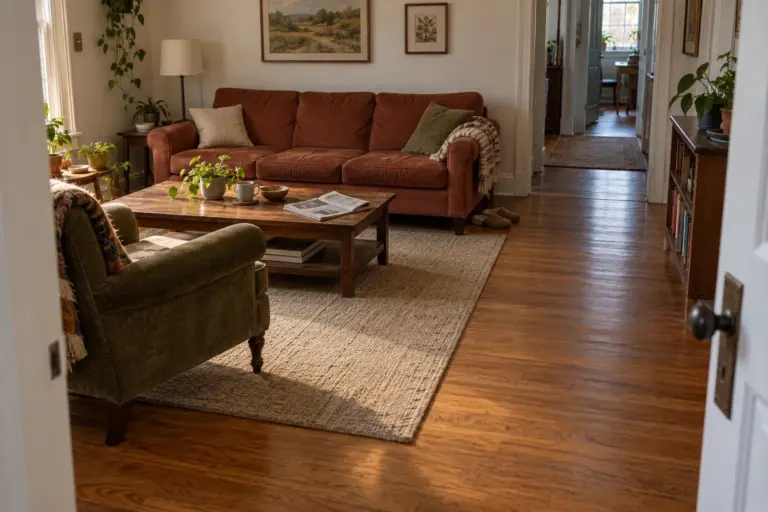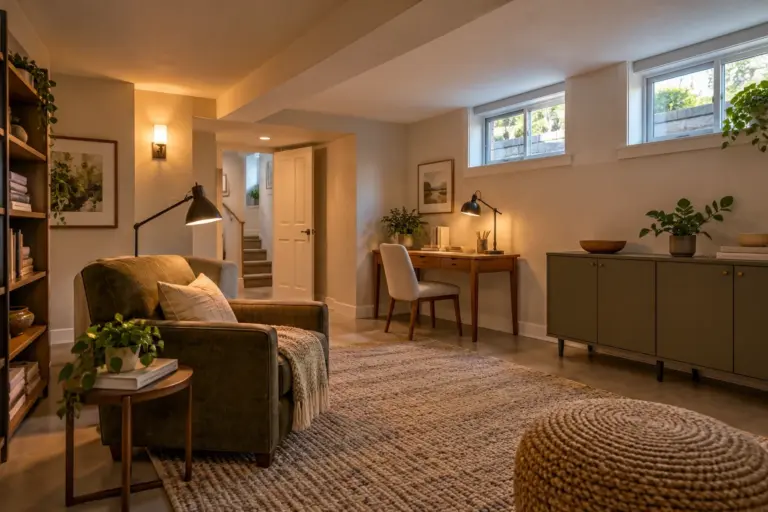
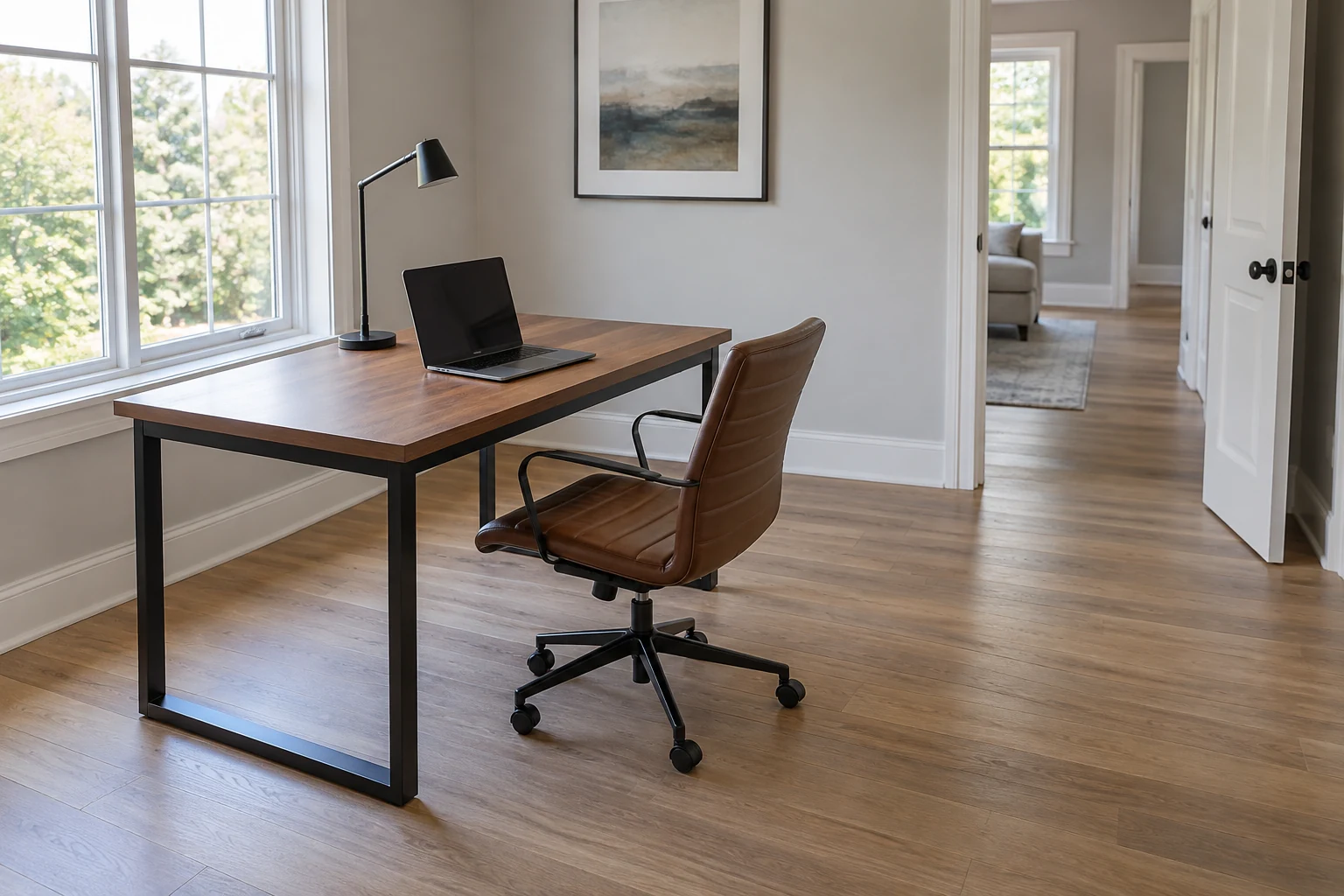
When every wall has an opening, look for a usable part of a wall, a spot beside a window, or a place where the desk faces into the room. You do not have to block a door or put a screen directly in front of bright glass. Start by mapping the desk, chair, openings and power route together; then test the most promising position while seated at the times you normally work. The best choice is the one that keeps the workstation comfortable and the room usable—not necessarily the one that looks most orderly when the chair is tucked in.
Map the Openings and the Space a Working Desk Actually Needs
Sketch the room before moving the desk. Mark every door, the area it covers as it swings, and every window, including how you reach and operate it. Add fixed furniture, outlets and any route people need through the room. Note which windows bring strong light toward the proposed screen during your usual working hours. A wall with a window is not automatically unavailable: the short segment beside it may fit a desk even if the whole wall does not.
Measure the desk’s width and depth, then mark those dimensions on the sketch. Include the monitor’s footprint and where it would sit on the desktop. If a window or door divides a wall into two short segments, measure the usable segment, not just the wall’s overall length. A desk that fits between an opening and a corner on paper may still put its edge in a door’s swing or leave no practical place for the screen.
Next, draw the desk in use. Allow space for your legs and feet beneath it, the chair while you are sitting, the chair when you pull back to stand, and a passage behind it if that is how people cross the room. Storage under a desk reduces usable space if it crowds your legs or feet; OSHA’s computer-workstation guidance advises against keeping items there that limit that space. Test the route with the chair pulled out rather than relying on a measurement taken while it is tucked away.
Keep the openings functional. The U.S. Fire Administration advises keeping doors and windows unblocked. That is a sound reason to reject a layout that obstructs one, without assuming that every window serves as a required exit. Check whether you can open a door fully enough for its normal use, reach and operate a window, and move through the room without shifting the desk. Do not place furniture across an existing required exit.
Plan the workstation itself before choosing a favorite view. OSHA advises viewing a monitor from at least 20 inches (50 cm) away and keeping frequently used items such as the keyboard, phone and mouse in the primary work zone. These are workstation recommendations, not residential room-clearance rules or a guarantee that one viewing distance suits every visual need. As a practical layout aim, put the screen generally in front of your seated position: if the desk only fits by making you work turned toward one side, count that as a drawback and test how it feels during actual work.
Finally, locate the outlet and trace where a power cable would go. A promising desk position is not usable if its cable must cross a needed passage or interfere with an existing required exit. For a freestanding desk, also check that the desk will be stable where it stands. If the current desk cannot provide enough working surface and clear the openings, chair and route, record that constraint. A shorter suitable desk may solve a footprint problem; forcing the present desk into an opening will not.
Compare a Partial Wall, a Window-adjacent Desk and an Inward-facing Desk
These are three planning options, not universal feng shui rules. You may prefer a seat with a view toward the door, or one that feels less exposed. Treat that as a personal or interpretive sightline preference to weigh after the layout works. Neither a preferred sightline nor an opening on every wall requires you to block access, accept screen glare or work in a strained position.
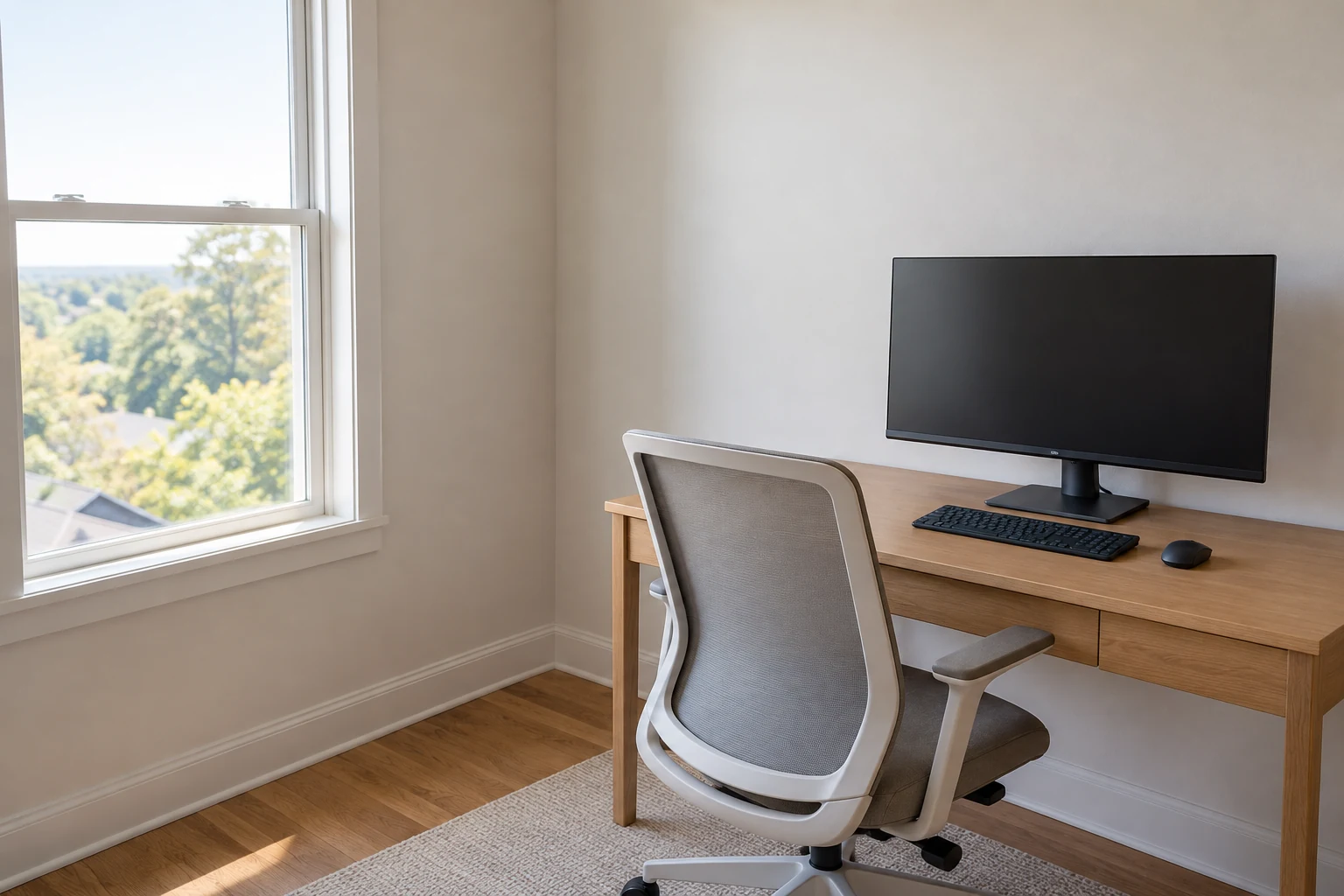
Use a partial wall when the entire working footprint fits beside an opening. Place the desk against the measured segment, then put the monitor in its intended position and sit down. Can you keep the screen a workable distance away—using OSHA’s at-least-20-inch (50 cm) recommendation as a starting check—and keep the keyboard, mouse and phone conveniently placed? If so, this option uses the wall without making the opening part of the workstation.
The chair decides whether that apparent fit is real. Imagine a door beside the desk: the desktop may clear its swing, but a chair pulled back to stand could close the route behind it. Or the desk may fit between a window and a corner while leaving you unable to operate the window normally. In either case, the clear patch of wall is too small for this desk in use. Try a shorter desk that still holds your equipment, or move on to another position. Do not solve a cramped footprint by filling the leg space with storage or moving frequently used devices out of comfortable reach.
Try beside a window when the desk leaves the window usable and the screen can face roughly across the room rather than straight toward or away from the glass. OSHA recommends placing the face of a display screen at right angles to windows and light sources. It also advises positioning task lighting so it does not reflect on the screen. That makes a roughly perpendicular screen-to-window arrangement a useful first trial, not proof that the spot will be glare-free.
Set out the monitor, keyboard and other regularly used devices before deciding. A shallow desktop might place the screen too close even though the desk fits beside the window; moving the screen farther away might then push the keyboard out of a usable position. Check whether you can operate the window without reaching awkwardly over equipment or moving the desk. At your normal work times, look for light in your eyes, reflections on the screen and light that makes paper difficult to see. Proximity to daylight is a benefit only if the resulting workstation works for you.
Consider an inward-facing desk when no wall segment accommodates the full setup. Turning the desk into the room can keep both you and the screen from sitting directly against an opening. It may also offer a sightline you prefer. Neither advantage makes it the default winner: the chair, desk and cables now occupy space that may otherwise have been the route through the room.
Mark the proposed desk edges and sit where the chair would go. Check whether someone can still use the doors and windows and pass behind the chair when it is pulled back. Confirm that the desk is stable in that location, your legs and feet have room, and your monitor and devices remain workable. Then follow the intended power route all the way to the outlet. If the desk wobbles or a cable must cross a needed path, reject that arrangement rather than treating a clear view as compensation.
The comparison table below brings the tests together. Choose the partial wall if its full working footprint clears the openings and passage. If it does not, try the window-adjacent position when the light, window operation and workstation layout pass. Use an inward-facing position only if stability, power routing and circulation also work.
| Position | Feasible opening | Light check | Chair and devices | Rule out if |
|---|---|---|---|---|
| Partial wall | The full desk footprint fits beside an opening that remains usable. | Check the screen from the seated position at working times. | The pulled-back chair leaves a route; the monitor is at least 20 in (50 cm) away and frequently used devices remain within reach. | The desk overlaps a door swing or the chair blocks the route; try a shorter suitable desk or another position. |
| Beside a window | The desk leaves the window usable. | Try the screen roughly at right angles to the window, then check for glare from the seat. | Keep the screen at a workable viewing distance and frequently used devices within reach. | Window operation, light, access or the power route cannot work without obstruction. |
| Inward-facing | No wall segment fits, but a freestanding desk leaves openings usable. | Check reflections from windows and other light sources from the seated position. | Confirm desk stability, legroom, device reach and a clear route behind the pulled-back chair. | The desk is unstable or safe passage or power routing cannot be maintained. |
Test the Leading Position During a Normal Workday
Treat the first choice as a trial, not a finished arrangement. Temporarily set the desk in place, or mark its edges on the floor if moving it is difficult. Put the screen and any paper you regularly use where they would actually go. Sit at your normal working height and check the setup during the hours you usually work. A quick look around an empty room cannot tell you what a reflection will look like from the chair, and a compass direction alone cannot settle how changing light will affect the screen.
Look first for bright light in your eyes, then for reflections on the display and troublesome light on paper. If glare is the only problem, try changing the screen angle relative to the window or another light source. Move a task lamp so its light does not reflect on the screen, consistent with OSHA’s lighting advice. If you have blinds or another reversible way to adjust daylight, try it at the affected time and check again from the seat. Do not assume an adjustment worked until you can use the screen and paper comfortably.
Next, use the room as you normally would. With the chair in both its working and pulled-back positions, open each nearby door, operate the window and walk the intended route behind the chair. Notice whether using an opening requires moving furniture or whether someone crossing the room would have to squeeze past you. Recheck the monitor distance, the space for your legs and feet, and the reach to frequently used devices. For a freestanding desk, test its stability as well. Trace the cable route with the desk in its proposed final position, not an earlier position near the outlet.
Let the reason a trial fails determine the next change. If glare alone is the issue, adjust the screen or light and retest. If the desk and chair take up too much room, try a smaller suitable desk before abandoning an otherwise workable spot. If an opening remains obstructed, the desk is unstable, or power cannot be routed without crossing a needed passage, move to another of the three positions. The final choice is the one that passes these seated, everyday checks. If two do, choose the sightline you prefer; if none do with your current desk, change the desk rather than sacrificing access or a usable workstation.
Continue reading
More room decisions to consider