Arrange a gaming setup around the person playing, the screen they actually use and the space needed to move through the room. Then consider the feng shui preferences for awareness of the entrance, a supported position and a clear boundary between gaming and other activities. A good arrangement does not require hiding the fact that you enjoy games.
Start with a normal session: sit down, reach the controls, adjust the sound and get up again. The room should support those actions without a chair blocking the door, equipment losing airflow or another household member having to walk through the play area.
Map the Equipment and the Real Playing Position
List the screen, controls, computer or console, chair, speakers or headset and any equipment used for calls or streaming. Measure their actual footprint, including the screen stand, tower and connections behind the desk. Do not plan from the desk's empty top alone.
Draw doors, windows, outlets, fixed furniture and the chair with someone seated. Include how far it moves when the player stands. If the setup shares a room, mark the route to the bed, wardrobe or other household activity.
Check whether the equipment serves one person or several. A desk tailored to one seated user may not work for shared console play. Likewise, a screen placed for viewing from a sofa may be inconvenient for reading small interface text from a side chair. Define the intended use before moving furniture.
Keep any special equipment requirements with the plan. A wheel, pedal set, accessibility controller or other device can change reach and floor-space needs substantially. The correct arrangement is the one its actual users and instructions require, not the generic footprint of a keyboard and mouse.
Compare a Command-oriented Desk with a Wall Desk
Anjie Cho's feng shui desk guidance favors seeing the entrance without sitting directly in its line. She also recommends boundaries when work shares another room. You can apply those ideas to a gaming area as placement preferences, without promising better reactions, rankings or concentration.
A desk facing into the room may give a useful view of someone arriving. It can also require more space behind the chair and a more considered cable route. Test whether the arrangement leaves enough room for the user and other people before choosing it for its symbolic appeal.
A wall desk often preserves the rest of a small room. If it leaves the entrance behind you, consider a modest angle adjustment or an agreement that others announce themselves. A mirror is optional; do not add a distracting reflection or move the main screen off-center solely to recover the door view.
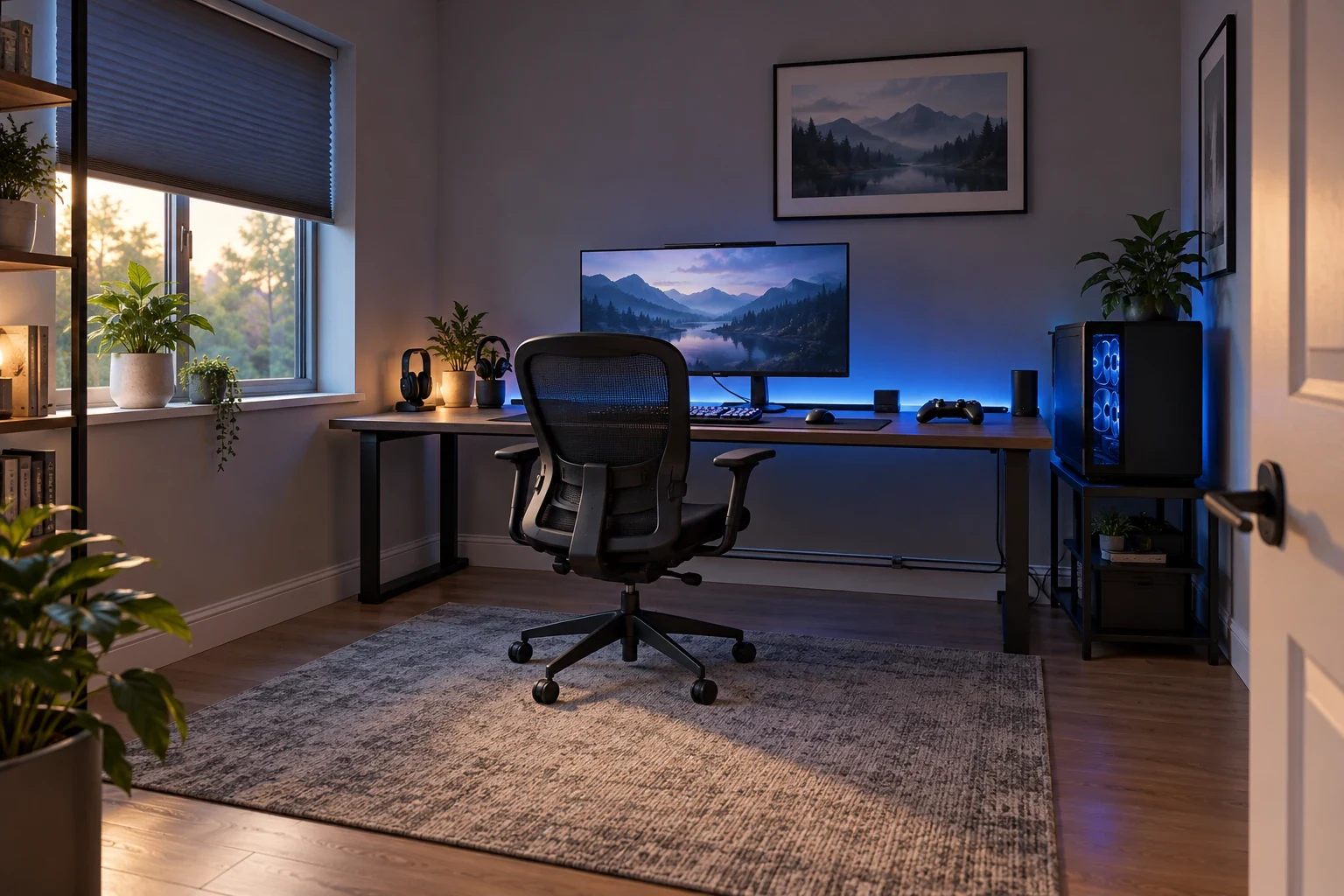
The main scene uses a wall-based setup with a clear approach. It illustrates a workable compromise rather than an ideal command-position claim. The chair, controls and equipment remain understandable within the room.
Set the Screen from the Seated User’s Position
Adjust the chair and controls for the actual player, then locate the screen so its important content is easy to read without persistent leaning or twisting. Check the top, center and edges of the display, not just the middle of an attractive background image.
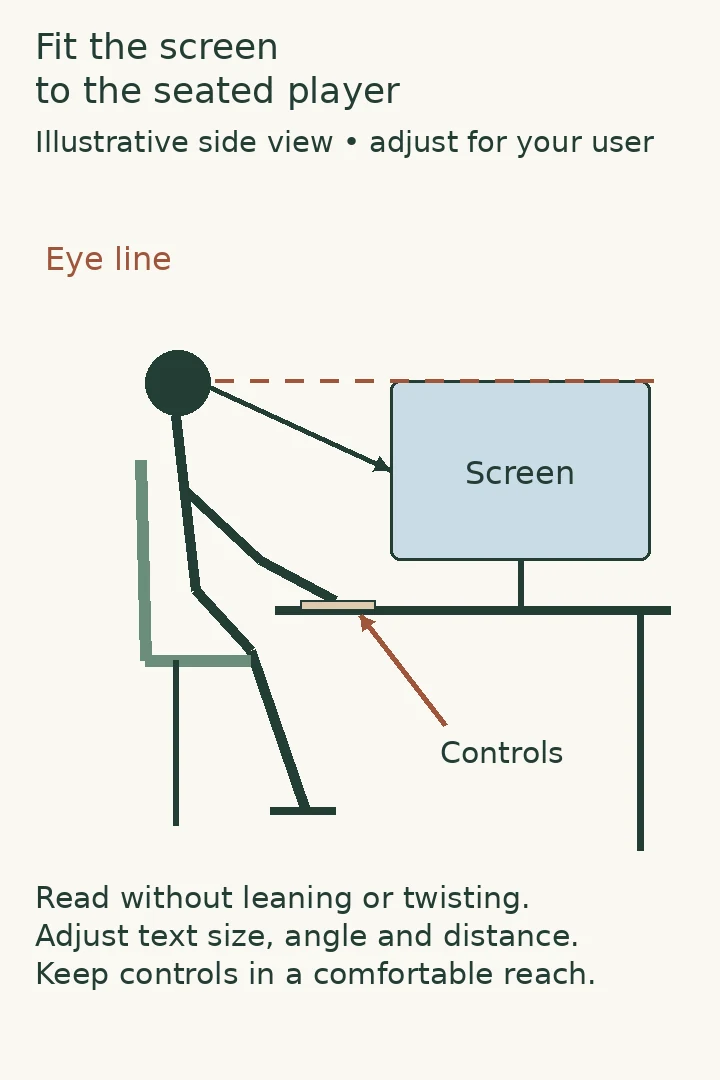
CCOHS explains that monitor distance and angle are guidelines to tailor to the user and the viewing task. It suggests an arm's length as a general starting estimate, with adjustments and larger text when needed. That office guidance can inform a desk setup, but it is not a mandatory distance for every game or television.
The side-view figure distinguishes the eye line, screen and input position. It does not prescribe a fixed angle or an exact distance. Use the actual interface, vision needs and equipment adjustments to find a supported position.
For multiple screens, place the main activity where it does not require constant head turning. A secondary chat or reference screen can have a different role. If it becomes the display you watch most, rearrange the setup around that fact rather than keeping the most impressive monitor in front by habit.
Check Daylight, Room Light and Reflections
Try the setup during the hours you play. A window behind the player may reflect in the screen; a bright window behind the screen may create another viewing challenge. Adjust the desk angle or window covering and test again with the game running.
At night, use room light that lets you identify the surroundings and controls comfortably. Decorative lighting can be part of the room, but assess whether reflections, flashing effects or bright points are distracting. A camera-friendly streaming background is not automatically a comfortable playing environment.
If the room is shared, keep decorative light out of another person's sleeping or working view where possible. A controllable lamp or modest lighting scene is easier to negotiate than a setup that requires the whole room to remain bright whenever one person plays.
Do not treat a particular color as compulsory feng shui equipment. Choose colors and brightness that the users enjoy, then keep the practical controls accessible enough to change them.
Leave Equipment Air and Cables a Workable Route
Check the computer, console and power equipment instructions for placement and airflow. A tower on a stable stand may free desk space, but do not enclose it tightly or press its vents against furniture to create a cleaner picture. Keep access for ordinary cleaning and connection checks.
Plan connections after you know the equipment positions. Leave appropriate movement allowance where the chair, monitor arm or adjustable desk requires it, following the equipment instructions. Keep cables away from wheels, feet, moving joints and the doorway route.
The U.S. Fire Administration advises against overloaded power strips and routing cords where they can be pinched or damaged, including under rugs. A hidden extension underneath a carpet is not a suitable visual-clutter solution. Use appropriate electrical arrangements for the actual equipment rather than chaining miscellaneous adapters together.
Avoid putting decorations or drinks where they obstruct controls, ventilation or a necessary connection. Cable management should make the installation easier to use and inspect, not merely make every cord disappear.
Adapt a Television-and-console Area Differently
In a console arrangement, start with the seats that people will actually use and the screen content they need to see. Read menus and subtitles from each intended position. If one seat has a poor view, adjust it or acknowledge that it is not an equivalent gaming seat.
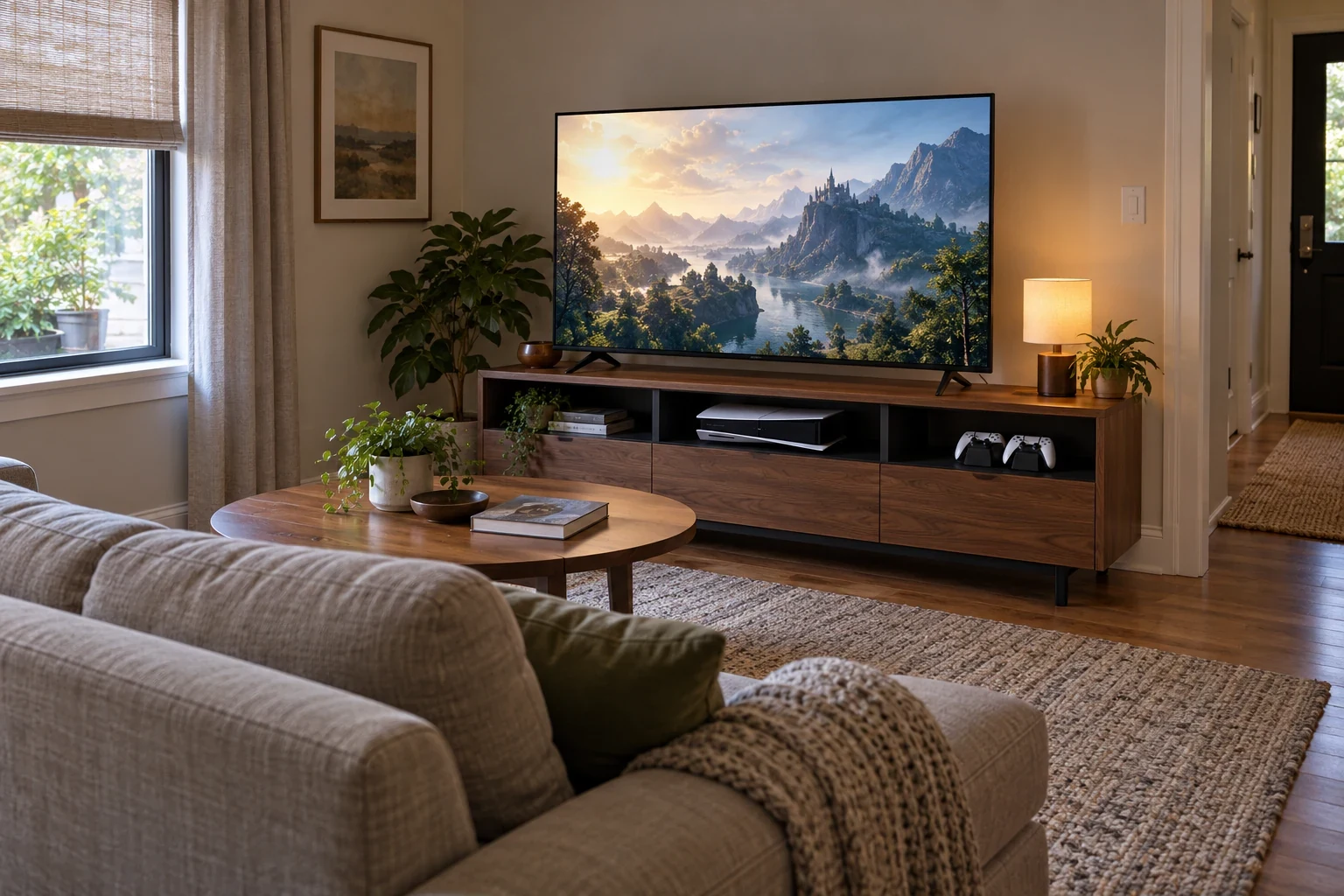
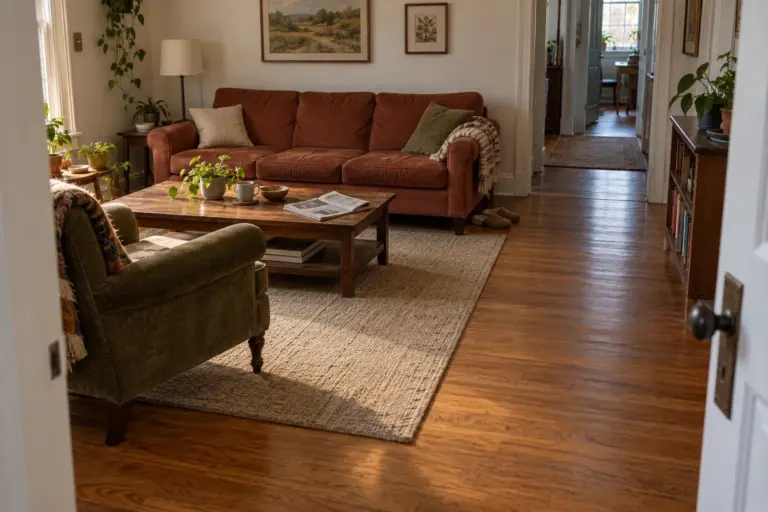
The console scene keeps the display, console and controller storage together while preserving a route beside the seating. It is a different solution from putting a desk chair in front of the television. The appropriate viewing distance depends on the actual display, content and users; do not copy a photograph's apparent distance as a technical rule.
Give controllers and the headset a predictable place when not in use. Keep charging equipment appropriate to its instructions and outside walking routes. In a shared living room, a small storage location can allow the area to return to conversation or another activity without dismantling the setup.
Agree on sound and timing with the people who share the home. Headphones can change how sound is used, but they do not remove every disturbance, including speech or controller noise. Address the actual interruption instead of assuming a particular accessory guarantees quiet.
Mark the End of Play in a Bedroom
When gaming shares a bedroom, keep the bed and its approach usable throughout the session. Do not make the bed the parking place for the chair, headset or accessories. If the room only works when another essential function is blocked, reduce or relocate part of the setup.
Use a simple shutdown routine: save and close the activity, put controls away, adjust optional lighting and leave necessary equipment in its appropriate state. Do not cover powered equipment with fabric as a way of hiding it. A closed compatible storage area or a changed sightline may provide a visual boundary without interfering with the equipment.
Try the arrangement with someone else using the room. Can they reach their belongings without interrupting the player? Can the player get up without moving a table? Those are more useful tests than whether every piece matches a gaming-room theme.
Keep the Arrangement That Works Through a Full Session
Play for an ordinary session, including setup and shutdown. Note each recurring problem: leaning to read text, a chair striking furniture, glare, a warm enclosed cabinet or a controller without a home. Correct the specific cause rather than adding another general-purpose accessory.
Door awareness and a clear activity boundary can inform the room's feng shui interpretation. The practical result is a gaming area that fits its users and coexists with the rest of the home. Its success does not depend on a lucky direction or a claim that equipment placement changes the outcome of a game.